This page can upload to our server
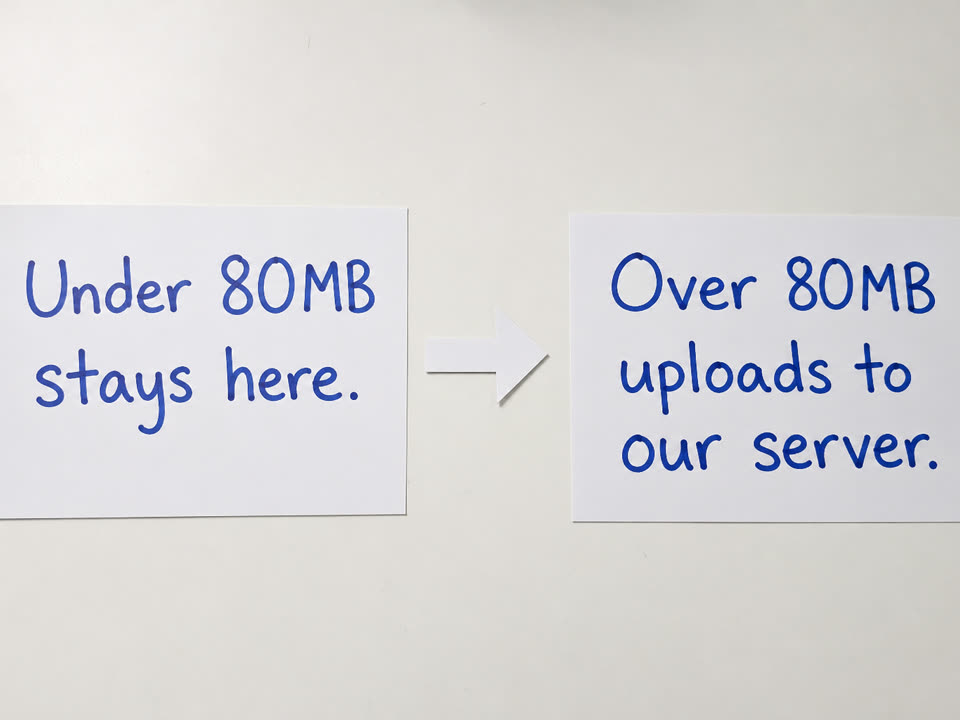
Homepage, 20KB, and 50KB stay in the tab. Compress large image is the overflow door: a file over 80MB on a phone or 150MB on a computer is sent to our server once.
Over the local limit we upload · Max 500MB
Compress large image when a camera original is too heavy for this tab. Drop one photo. Under 80MB on a phone or 150MB on a computer, it stays here. Only files over that local limit are uploaded to our server. Largest file we accept is 500MB. Then type 20KB, 50KB, or 100KB. Download is JPG. One photo at a time.
Drop one photo here or click to select
JPG, PNG, WebP, HEIC, AVIF. Under 80MB on a phone or 150MB on a computer stays in this tab. Only files over that local limit are uploaded to our server. Largest file we accept is 500MB. One photo at a time.
Features
A phone tab cannot decode a 200MB HEIC. Compress large image sends that overflow to our server once, then the same JPG target asimage to 100KB.
Homepage, 20KB, and 50KB stay in the tab. Compress large image is the overflow door: a file over 80MB on a phone or 150MB on a computer is sent to our server once.
The upload does not land on 100KB. Our server only makes a JPG this browser can open, usually under 20MB. You still type 20, 50, 100, or another cap here.
No account and no paywall. If we uploaded the original, it is deleted when the shrink finishes. Largest file we accept is 500MB.
JPG, PNG, WebP, HEIC, AVIF, GIF, and BMP can go in. The file you save is always JPG. SVG, PDF, RAW, and video are refused.
What it is
Compress large image here means: take a camera original this browser cannot open, upload it to our server, get a lighter JPG back, then hit the kilobyte cap in this tab. The server does not type 20KB, 50KB, or 100KB for you.
On a phone the local cap is 80MB. On a computer it is 150MB. Under those numbers, usecompress image to 100KBif the form says 100KB,compress image to 50KBif the ceiling is 50, orcompress image to 20KBif the ceiling is 20. Those pages never send the file to us.
Over the local cap and under 500MB, this page uploads the file to our server. The server resizes toward 4096px, writes a JPG usually under 20MB, and deletes the original. You then hit 20, 50, 100, or another kilobyte target in this tab.
Over 500MB, export a smaller photo from the album. We cannot process a file that large.
How the compress works
Two passes. The first pass is only for files this browser cannot open. The second pass is the same MozJPEG encoder as the homepage.
Click Compress now. If the file is under the local cap, nothing is uploaded. Encoding stays in this tab, same ascompress image to 100KB.
If the file is over 80MB on a phone or 150MB on a computer, this page uploads it to our server. The server returns a JPG this tab can decode, usually under 20MB with a long edge near 4096px. Then this tab searches for the sharpest JPG that still fits the number you typed.
The original is deleted when that shrink responds. We do not keep a gallery of your photos.
How to
Drop one heavy original on this URL. If it is over the local limit, this page uploads it. Then type the KB the form printed and download the JPG. This page does not take a batch of 20.
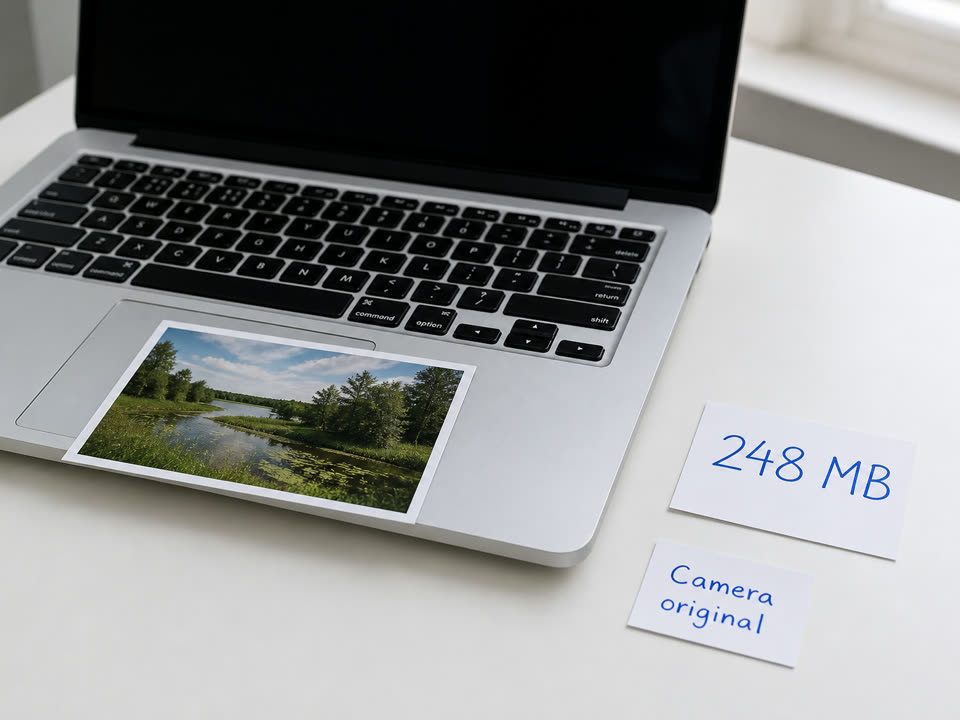
Step 1
A 200MB camera still belongs here. One photo at a time. Under 80MB on a phone or 150MB on a computer, stay on a local size page instead of uploading.
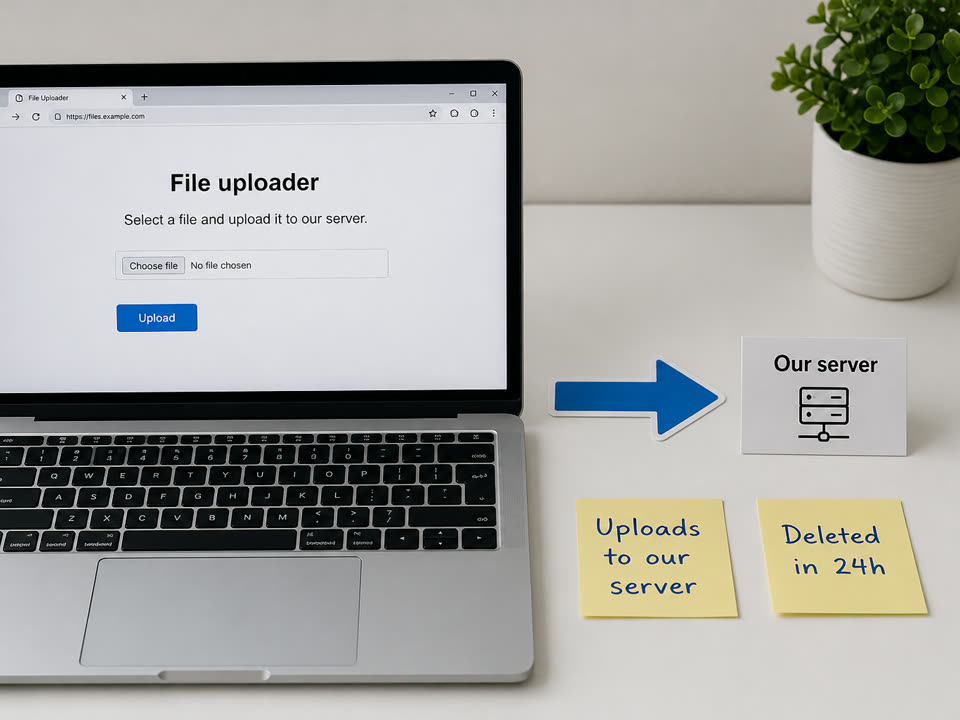
Step 2
Only files over the local limit leave this tab. Our server shortens the long edge toward 4096px and sends back a lighter JPG. The original is deleted when that finishes.
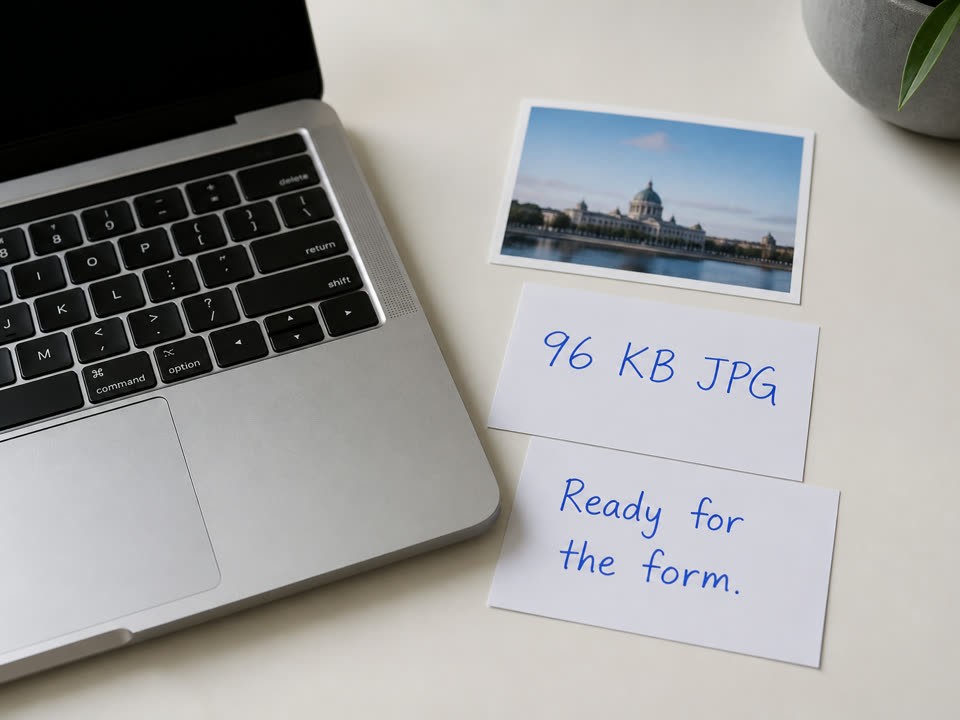
Step 3
Leave 100KB or type 20, 50, or another cap. The last encode is local MozJPEG in this tab. Check the bytes before you attach the file.
Which URL
Four live tools share one encoder. Pick the URL for the job. Do not upload a 6MB passport crop here.
Compress large image when the local tab already refused the file. One photo. JPG, PNG, WebP, or HEIC in. JPG out.
Job, visa, and many profile boxes still say 100KB. Openimageto100.comand leave 100. No upload.
Printed 20KB-to-50KB recruitment photos belong onthe 50KB page.
Admit-card and ID boxes that reject 21KB belong onthe 20KB page.
JPG, PNG, WebP, HEIC, AVIF, GIF, BMP. Transparent PNG is flattened on white because the download is JPG.
SVG, PDF, RAW, and video. Compress here is a photo job, not a document converter.
Why this page
Jumping to another in-browser compressor does not help. The file has to leave the phone once. That is why this URL exists.
After the shrink you type 20KB, 50KB, or 100KB. Compress large image is not a generic “make it smaller” slider.
The homepage still keeps files on the device. Only this overflow page sends a too-large original to our server.
If Photos can already save a smaller JPG, open the 100KB, 50KB, or 20KB page. Do not upload a file the tab can already finish.
Limits and tips
If you can export a smaller JPG from the album, do that and openimageto100.cominstead. Do not put a passport scan here unless the original is truly too heavy for the local tab.
Use cases
Input: 80–500MB JPG or HEIC from a recent phone
Setting: This page, then the KB box the form printed
Output: JPG at the typed cap
Caveat: Cellular can take minutes on a 300MB file. Wi-Fi is safer. Over 500MB is refused.
Input: 150–500MB studio JPEG or flattened PNG
Setting: Upload once to our server, then type 100 or 200
Output: Form-ready JPG
Caveat: A PNG over about 250 million pixels is refused even under 500MB.
Input: A photo over the local tab limit that mail or chat rejected
Setting: Type 500, 1024, or 2048 if the cap is in megabytes
Output: JPG small enough to send
Caveat: On a computer, under 150MB stays in this tab. Only bigger files upload. Largest we accept is 500MB.
Input: The shrunk JPG this page hands back
Setting: Type 20, 50, or 100 here
Output: JPG at that ceiling
Caveat: If you can export a smaller JPG from Photos first, use the local size page instead.
FAQ
These answers are for oversized still photos and the upload to our server. Kilobyte-only questions stay on the 100KB FAQ.
Open this URL, drop one file, leave 100KB or type another cap, and click Compress now. If a size page already sent the overflow photo here, it should be in the box — just click Compress now. Files under 80MB on a phone or 150MB on a computer stay in this tab. Only files over that local limit are uploaded to our server. Largest file we accept is 500MB. The last JPG is encoded here.
Yes, but only on this URL, and only when the file is over 80MB on a phone or 150MB on a computer. That is the point of compress large image. The original is deleted after the shrink. Under those caps, the file stays in this tab. Largest file we accept is 500MB.
Input is JPG, JPEG, JFIF, PNG, WebP, HEIC, HEIF, AVIF, GIF, and BMP. Output is always JPG. SVG, PDF, RAW camera files, video, ZIP, and Office documents are refused. compress large image here is a photo job, not a document converter.
Yes. A still PNG, WebP, or iPhone HEIC can go in. Transparent PNG is flattened on white. The download is JPG so forms that reject PNG still accept the file. If HEIC will not decode, export JPG from Photos first.
No for SVG, PDF, RAW, and video. A still GIF is accepted and saved as a one-frame JPG. An animated GIF does not stay animated. PDF and SVG need a different tool before you can compress large image pixels here.
This page is free. There is no account and no paywall. Largest file we accept is 500MB, one photo at a time.
500MB, one photo at a time. That is what this server can take. Over 500MB, export a smaller copy from the album. We cannot process a file that large.
No. Our server only makes a file this browser can finish, usually a JPG under about 20MB with a long edge near 4096px. You still pick 20KB, 50KB, 100KB, or another number. That last search is local MozJPEG.
Yes. That is the normal finish. compress large image to 100kb on this URL means: upload the overflow, shrink the original, then hit 100KB in the tab. The download is still JPG.
No. A 20MB file belongs on a local size page. Use compress large image when the local cap already refused the file, or when you know it is over 80MB on a phone or 150MB on a computer. Largest file we accept is 500MB.
The server compresses one photo at a time. If it is busy you see a wait message. Try again in a moment.
No. Compress large image takes one photo at a time so this machine can finish the shrink. Drop a second file and it replaces the first. For up to 20 smaller files that stay in the tab, use the homepage.
Ready
Drop one JPG, PNG, WebP, or HEIC. Under the local limit it stays in this tab. Over that, we upload it. Largest file we accept is 500MB. Type the KB the form printed. Download is JPG. One photo at a time.
Open the large-image compressorYour feedback helps us make ImageTo100.com better.

Thank you for your feedback