Opens on the 50KB ceiling
SSC, IBPS, and many bank portals print 20KB to 50KB. This URL starts at 50 so you spend the whole legal budget, not half of it.
SSC / IBPS / bank · Default 50KB · Files stay local
Compress image to 50KB when the form prints a 50KB maximum, including SSC, IBPS, and bank boxes that say 20KB to 50KB. This page opens at 50. Leave that number. Download is JPG. Nothing is uploaded.
Drop images here or click to select
JPG, PNG, WebP, HEIC, AVIF. Phone up to 50MB, computer up to 100MB. 20 files.
Features
The homepage encoder is the same MozJPEG Worker. This URL exists because a 20KB-to-50KB notice is not an exam 20KB ceiling. Spend the legal 50KB on a recruitment or KYC portrait instead of treating 20 as the goal. The 100KB job stays on compress image to 100KB.
SSC, IBPS, and many bank portals print 20KB to 50KB. This URL starts at 50 so you spend the whole legal budget, not half of it.
The encoder hits a single cap. For a printed band, that number is the top. Type 50, compress, and stop hunting for a 20-to-50 slider.
KYC photos, recruitment portraits, and PAN scans never go to ImageTo100.com servers. MozJPEG runs in a local Worker.
PNG, WebP, or HEIC can go in. The file you save is JPG, which is what most SSC and bank upload boxes still accept.
The printed range
Compress image to 50kb means shrinking a file to 51,200 bytes or less so a form that says “maximum 50KB” accepts it. On SSC, IBPS, and many bank notices that line is written as 20KB to 50KB. The first number is a floor. The second number is the ceiling you must not cross.
People still search compress image to 20kb to 50kb as if it were a special converter. It is not. The tool hits one target. On this URL that target is 50, which is the top of the band. A 44KB JPG is a success. A 20KB crush on a photo the form allowed to be 50KB is wasted quality.
50KB is looser than a 20KB exam-photo cap and tighter than the homepage 100KB default. A typical phone photo is still 2–8 MB, so you do need a compressor. You do not need to land on the floor of the range.
If the notice only says 20KB, usecompress image to 20KBinstead. If it says 100KB, useimage to 100KBon the homepage. This page is for the 50KB ceiling.
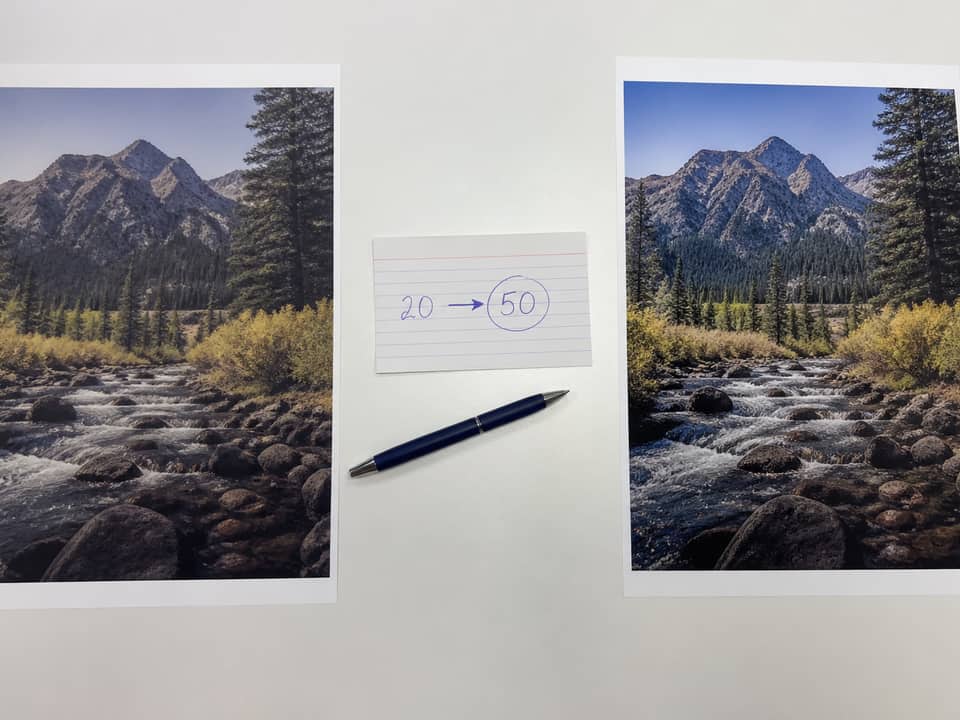
JPG in, JPG out
compress jpg to 50kb, compress jpeg image to 50kb, and compress image jpg to 50kb are the same download: a JPG at or under 50KB. The encoder does not turn your photo into PNG or PDF.
If the original is already a JPG under 50KB, ImageTo100.com keeps it. If it is a PNG or HEIC under 50KB, the file is still saved as JPG because bank and SSC validators often reject PNG. That conversion is the point, not a side effect you have to undo.
Searches for compress jpg to 50kb pdf still want a picture, not a new PDF. Compress here, then attach the JPG in the form or PDF tool you already use.
How to
Read the band on the notice, leave 50KB, click Compress now, then check the size on the device before you open the portal.
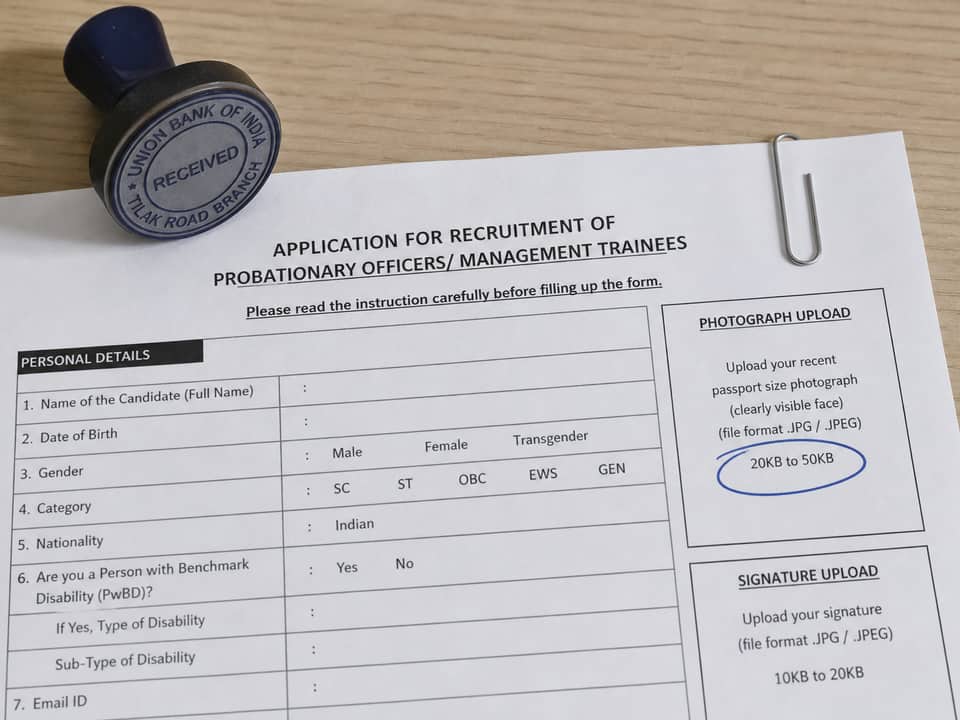
Step 1
If the notice says 20KB to 50KB, the legal maximum is 50. Stay on this page. Open the 20KB URL only when 20 is the printed ceiling, not the floor.
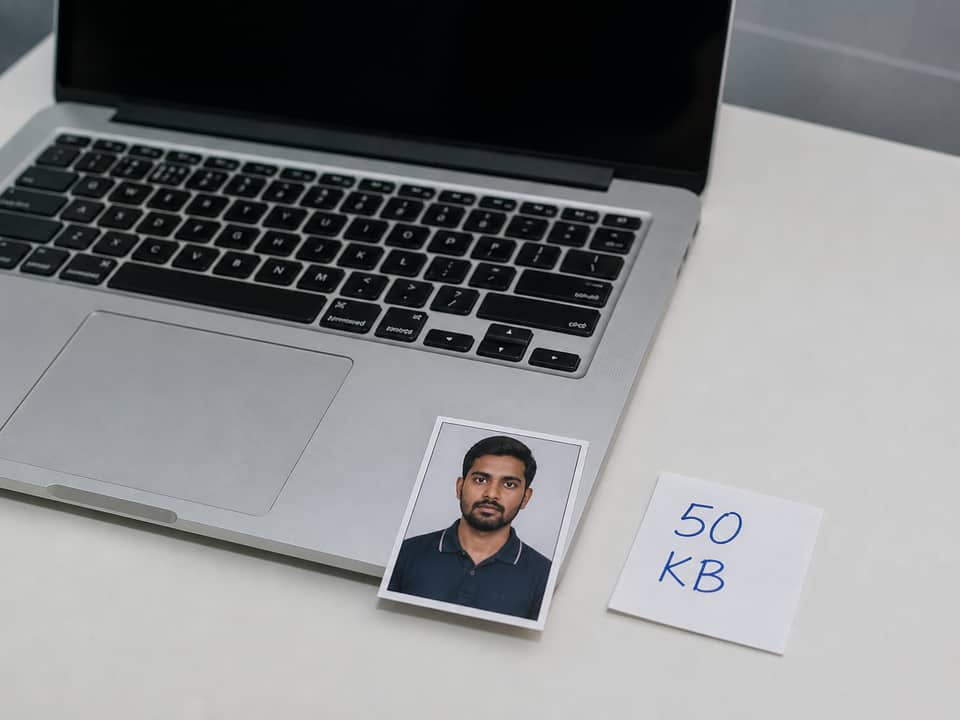
Step 2
Add a JPG, PNG, WebP, or iPhone HEIC. Leave the box at 50. Batch up to 20 files if the portal wants a photo plus extra scans.
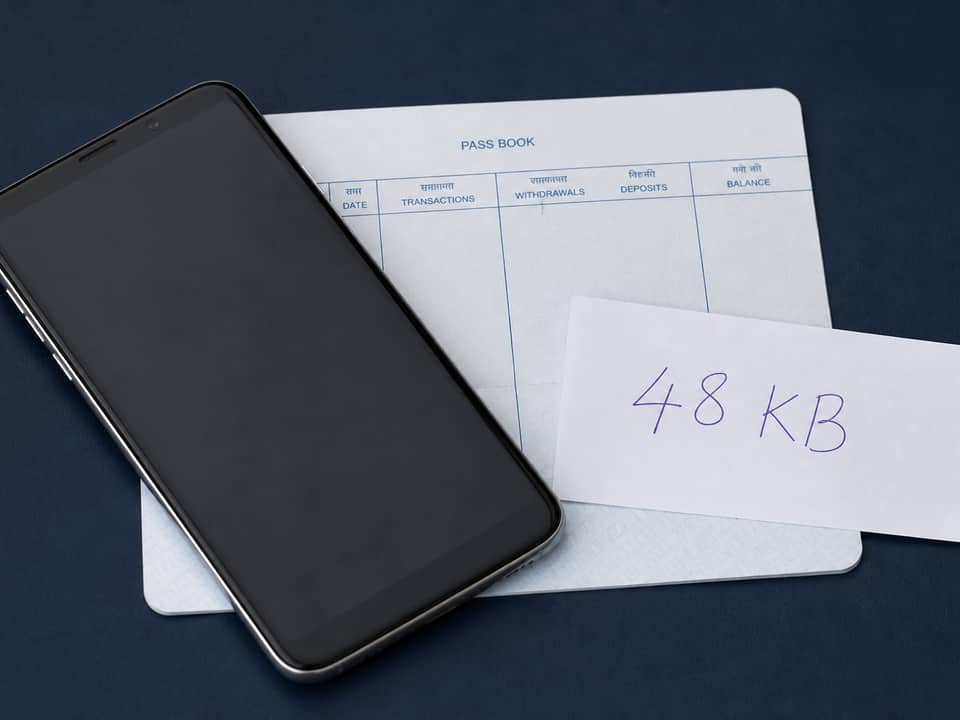
Step 3
Click Compress now. A 42KB or 48KB JPG is a pass. The portal rejects files over 50KB. It does not require you to land on 20KB.
Which URL
Three live size pages share one encoder. Pick the URL whose default matches the printed maximum. Do not clone a second 20-to-50 address.
Leave 50. That is compress image to 50kb, compress photo to 50kb, and compress image to 20kb to 50kb on one URL.
Admit-card and ID boxes that reject 21KB belong onthe 20KB exam page.
Job, visa, and many profile boxes still say 100KB. Openimageto100.comand leave 100.
If the form says 50KB to 100KB or 50KB to 150KB, the ceiling is 100 or 150. Use the homepage, not this URL.
Type 40 or 30 here only when the portal is stricter than 50. Expect more softness.
No image-to-PDF and not iLovePDF. Attach the 50KB JPG to the form or PDF tool you already use.
Why this page
50KB is about two and a half times 20KB. A recruitment portrait stays easier to read at the ceiling than after a needless crush.
You do not have to invent a 20-to-50 converter. compress image to 50kb on this URL is the same job those searches describe.
Close the tab and the KYC crop is gone. Do not email the original to a random host just to hit 50KB.
If a huge uncropped scene cannot fit, you see a best-effort note. Crop the face, or move to the 100KB homepage if the form allows it.
Limits and tips
A 12-megapixel landscape still struggles at 50KB. Crop to the face or the document, then run compress image to 50kb again. Use “Shrink further” only if you accept a softer result. If the notice actually allows 100KB, leave this URL and open the homepage instead of forcing a 50KB ceiling.
Use cases
Input: Passport-style photo, often 1–6 MB
Setting: 50KB default on this page
Output: JPG at or under 50KB
Caveat: SSC notices commonly say 20KB to 50KB for the photo. That is a ceiling of 50, not a request to land on 20.
Input: Studio or home ID crop
Setting: 50KB after you match any printed pixel box
Output: File the ibps.in or bank upload accepts on size
Caveat: IBPS photo and signature caps can differ. Read both lines. This page is the photo ceiling.
Input: Phone photo of a face or a small document crop
Setting: 50KB if the box prints a 50KB maximum
Output: JPG the upload validator will take
Caveat: Some KYC flows want 100KB. If the printed cap is 100, use the homepage instead.
Input: Black pen on white paper
Setting: 50KB if that line really says 50
Output: Dark strokes, small JPG
Caveat: Many bank forms cap signatures at 10KB to 20KB. Those belong on the 20KB page.
FAQ
These answers are for the 50KB default. The 20KB exam page and the100KB FAQcover those other ceilings.
Stay on this URL, drop the file, leave 50, and click Compress now. compress image to 50kb online and compress image to 50 kb online are the same page: a JPG at or under 51,200 bytes, encoded in this tab. If the notice printed 20KB to 50KB, do not start on the 20KB exam page.
Yes. There is no account, no watermark, and no daily cap. The 50KB download is JPG. You are not starting a trial.
Yes. JPG in stays JPG out. That is compress jpg to 50kb on this URL. PNG, WebP, or HEIC can go in; the download is still JPG so SSC and bank portals that reject PNG still accept the file.
No. 20KB to 50KB is a legal window. The portal rejects files over 50KB. It usually also wants a file above a small floor such as 20KB. compress image to 20kb to 50kb online is this page: default 50, so you sit under the ceiling with room to spare. Use the 20KB page only when 20 is the printed maximum.
Read the maximum on the form. If it is 20KB, open Compress image to 20KB. If it is 50KB, or 20KB to 50KB, stay here. If it is 100KB, open imageto100.com. Nearby numbers you can still type on any of these pages, but the default should match the ceiling you were given.
Yes. Compress photo to 50kb and compress image to 50kb are the same encoder. A head-and-shoulders crop keeps more face detail at 50KB than a full-scene phone shot.
Yes. The download is always JPG. compress image to 50kb jpg and compress image to 50kb jpg format are the normal result here, including when you started from PNG or HEIC.
No. A bank KYC crop or an SSC portrait never leaves this tab. MozJPEG runs in a local Worker. Analytics may log the format and success or fail. The pixels themselves are not sent.
If the form says 30KB to 50KB or 20KB to 50KB, type 50 unless it also forces a lower ceiling. compress jpg 20kb to 50kb is the same job: one target, the top of the band. This page already starts there.
If the form says 50KB to 100KB or 50KB to 150KB, the ceiling is the higher number. Open the homepage and type 100 or 150. Stay here only when 50KB is the maximum. The tool hits one target, not a sliding band.
Yes. Type 40 or 30 if a portal is stricter. Quality drops as the cap shrinks. compress image to under 50kb is the same encoder with a lower number. Do not drop to 20 unless the form actually caps you there.
A JPG already under 50KB is kept. A PNG, WebP, or HEIC under 50KB is still saved as JPG so portals that reject PNG accept the file. If the form also has a minimum such as 20KB, do not crush further unless you are still above that floor.
No. This tool does not open a PDF and does not write a PDF. It is not iLovePDF. Searches like compress image to 50kb pdf or compress image to 50kb i love pdf usually want a 50KB JPG to drop into a form. Compress the picture here, then attach that JPG in the PDF tool you already use.
Open this page in Safari or Chrome, pick the photo from the camera roll, leave 50KB, tap Compress now, then check the size in Files. HEIC from iPhone is decoded when the browser can read it. The download is still JPG.
No. ImageTo100.com is not Pi7. Pi7 is a different site. This URL still does the 50KB job in your browser: drop the photo, leave 50, download a JPG. Nothing is uploaded to ImageTo100.com servers.
Ready
Leave the size at 50KB, drop the photo, then download the JPG. Use the full ceiling the form already gave you.
Open the 50KB compressorYour feedback helps us make ImageTo100.com better.

Thank you for your feedback