The download is still a GIF
GIF compressor here means shrink the animation, not flatten it to JPG. Discord, Slack, and mail still play the loop.
Compress GIF · Keep the loop · Files stay local
Compress GIF in this browser. Drop an animation, type the cap — 128KB, 512KB, 1MB, 8MB for Discord, or any other number — then download a smaller GIF that still plays. Nothing is uploaded.
Drop GIFs here or click to select
GIF only. Phone up to 20MB, computer up to 40MB. Up to 5 files.
Leave closed to search quality first. Open only if Discord or Slack still reject the file.
Starting scale
Frames
Features
People search GIF compressor when a loop is too heavy for Discord, Slack, or mail. This URL is that job. It is not the 100KB homepage. That page still writes JPG for forms.
GIF compressor here means shrink the animation, not flatten it to JPG. Discord, Slack, and mail still play the loop.
Leave 1MB or type 128, 256, 512, 2048, 5120, 8192. Compress GIF to 8MB is a common free Discord ceiling. Type what the client printed.
Lossy LZW first, then optional scale, then optional frame skip. The original GIF is not uploaded to ImageTo100.com.
The homepage still writes JPG for job forms. This URL is GIF in, GIF out. Do not open it for a visa portrait.
What it is
Compress GIF means shrinking an animated GIF so the file lands at or under a cap you type, while the download is still a GIF. Image compressor for GIF on this page is that shrink, in this tab. Compress animated GIF, compress GIF file size, and GIF optimizer searches belong here when the file already loops.
Platforms enforce byte caps, not a quality score. Compress GIF for Discord, compress GIF to 8MB, and GIF compressor 512KB are the same encoder with different numbers. Slack emoji is often 128KB. Email attachments vary. Type the printed ceiling.
If you need a still photo under 100KB, usecompress image to 100KB— the sameimage to 100KBjob on the homepage. Stay here when you searched GIF compressor and the file must keep moving.
Convert image from megabytes on a still isMB to KB. This URL does not write JPG from a looping sticker, and it does not turn an MP4 into a GIF.
Caps
Compress GIF for Discord is the search. The client prints the ceiling. Type that number. Do not guess a quality slider and hope the upload box agrees.
Free accounts often reject a GIF over 8MB. Nitro is larger. Type 8192, or 7500 for a buffer. Compress GIF for Discord on this URL is that number, not a second app.
Custom emoji is often 256KB. Tap 256 KB. Compress GIF to 256KB is a tight sticker: crop first if the loop is a full-screen capture.
Sticker jobs are often 512KB. Tap 512 KB. Compress GIF size to 512KB still keeps animation; it does not flatten the file.
Animated emoji is often 128KB. Tap 128 KB. Compress GIF 128KB is the smallest chip on this page.
Providers vary. Compress GIF for email is often safer under 5MB. Tap 5 MB, or type the limit the bounce message printed.
Leave 1MB. Compress GIF online here still needs a cap. The encoder hits one target, not “half size” as a guess.
How it works
A GIF stores many frames. Each frame can carry a palette of up to 256 colors. A few seconds of screen recording therefore climbs faster than a still JPG. Compress GIF file size means less work for those frames, not a new video container.
This page searches lossy LZW first — the usual lever on an animated GIF. If the file is still over the cap, it scales the canvas. If it is still over, it can skip frames. Leave Scale and frame skip closed unless Discord or Slack still reject the download. A file already under the target is kept.
Compress GIF without losing quality is still a byte budget. Lossy LZW can look fine in motion and noisy on a paused frame. A 128KB emoji will look simpler than an 8MB channel clip. That is the cap, not a bug.
How to
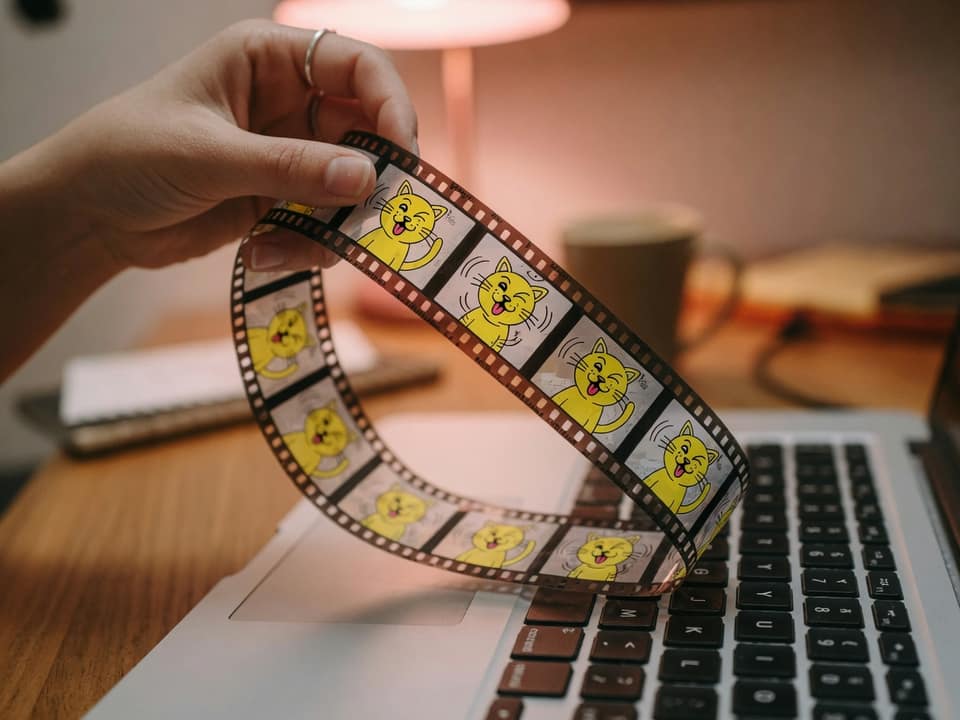
Drop the loop, type the cap Discord or Slack printed, click Compress now, then check that the preview still plays.
Step 1
Only .gif files. A sticker, a screen recording loop, or a chat reaction. PNG and JPG belong on the homepage.
Step 2
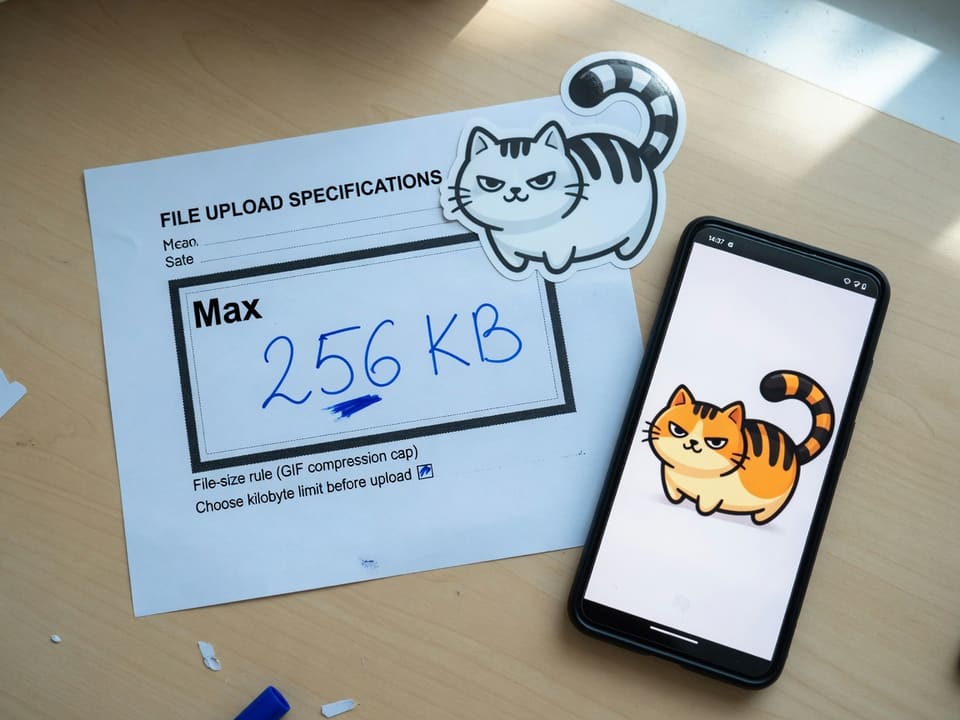
Slack emoji is often 128KB. Discord emoji 256KB, sticker 512KB, file 8MB. Leave 1MB if the notice did not print a number.
Step 3
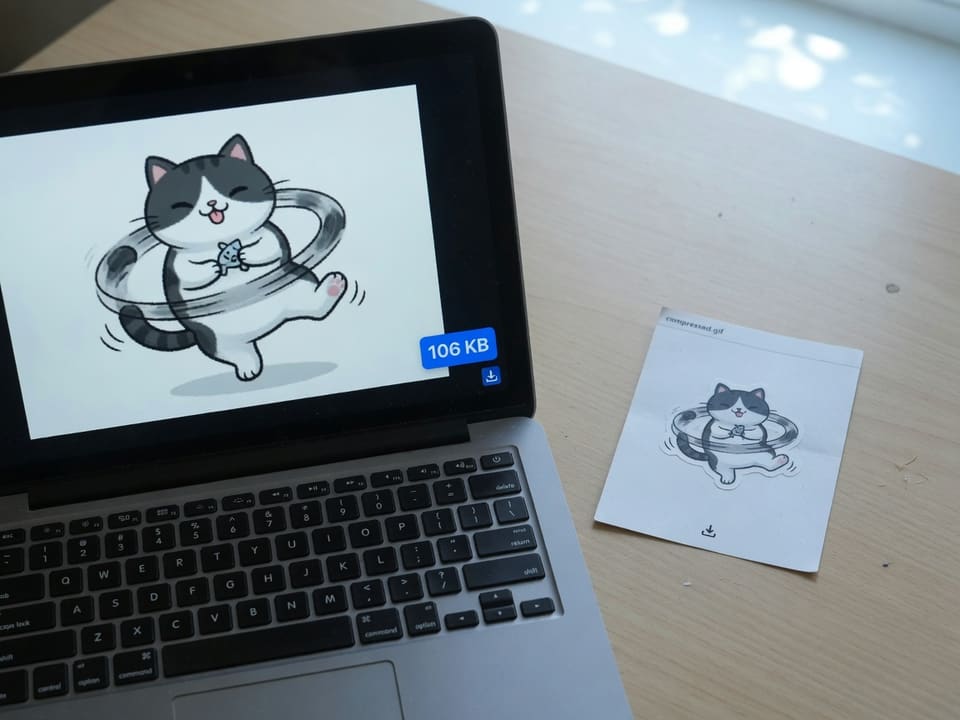
Click Compress now. Check that the preview still loops, then save. GIF compressor output on this page is always .gif.
Why this page
Compress GIF to 256KB, 512KB, or 8MB is the same encoder with a different number. The chip or the size box is the job.
A GIF compressor that writes JPG is the homepage. Stay here when Discord or Slack must still play frames.
Gifsicle runs in this tab. Close the tab and the frames are gone. That matters for work chat and private screen recordings.
A long desktop recording will not become a sharp 128KB Slack emoji. You see a best-effort note instead of a fake success.
Limits and tips
A long uncropped recording will not become a sharp Slack emoji. Crop, then compress GIF size again. If the notice actually wants a still under 100KB, the homepage is the shorter path. If the original is still a movie, this page will not read it.
Use cases
Input: A reaction or clip the client rejected as too large
Setting: 8192, or 7500 if you want a buffer under a common 8MB free cap
Output: Animated GIF the channel can take
Caveat: Type the number on screen. Caps move. Nitro is a different ceiling.
Input: A short loop, already cropped
Setting: 256 KB for emoji, 512 KB for a sticker
Output: GIF that still plays in the picker
Caveat: A 1080p recording will look simple at 256KB. Crop before Compress now.
Input: A tiny reaction GIF
Setting: 128 KB
Output: GIF under the emoji cap
Caveat: 128KB is tight. Skip frames only if quality search still misses.
Input: A demo loop that bounced the mail cap
Setting: 5 MB, or the KB in the bounce
Output: Smaller GIF you can attach
Caveat: Some clients rewrite GIF as video. Check the sent size, not only this preview.
Input: A long, high-fps capture
Setting: 1 MB or 8 MB, then open Scale and frame skip if it still misses
Output: A looping GIF, not a silent MP4
Caveat: This page does not convert MP4 to GIF. Drop an existing .gif.
FAQ
These answers are for compress GIF. Still photos live on the100KB FAQand onimageto100.com.
Stay on this URL, drop the .gif, type the cap Discord or Slack printed, and click Compress now. Compress GIF online here means a smaller animated GIF, encoded in this tab. Check the loop in the preview before you attach it.
Yes. GIF compressor on ImageTo100.com writes a GIF. Frames stay in the file unless you open Scale and frame skip and drop frames on purpose. It does not flatten the loop to a JPG.
Drop the file, type the number the Discord client printed, click Compress now. Compress GIF for Discord on a free account is often 8MB for a channel file. Type 8192, or 7500 if you want a buffer. Nitro is larger. Always use the on-screen cap.
Tap 256 KB for a custom emoji, or 512 KB for a sticker. Compress GIF Discord emoji and compress GIF Discord sticker are this encoder with those chips. Crop a full-screen recording first. A 256KB emoji will look simple if the canvas is still 1080p.
Yes. Tap those chips, or type 256 or 512. Compress GIF to 256KB and compress GIF to 512KB are typed ceilings, not a quality slider. If the file is still over after Compress now, open Scale and frame skip, then run again.
The 1 MB chip is 1024KB. The 5 MB chip is 5120KB. The 8 MB chip is 8192KB. Compress GIF to 10MB is 10240 if you type it. Custom range is 32KB to 20MB. The encoder hits one cap, not “as small as possible.”
Yes. There is no account, no watermark, and no daily cap on this page. Compress GIF free online is the normal path: drop the file, type the size, download. The original is not sent to ImageTo100.com servers.
No. A smaller GIF uses lossy LZW, and may scale or skip frames if the cap is tight. Compress GIF without losing quality still has a byte budget. A 128KB Slack emoji will look simpler than an 8MB file.
Animation stays unless you skip frames on purpose. Transparency is kept when the original GIF already uses it. This page does not paint a new background. If you need a still JPG, use the homepage instead.
Yes. Up to five .gif files, one kilobyte target, then Download all. Mixed 128KB emoji and 8MB channel jobs need two runs. PNG and JPG in the same folder belong on the homepage.
GIF stores many frames, each with its own palette of up to 256 colors. A few seconds of screen recording climbs faster than a still JPG. Compress GIF file size here means fewer bytes in those frames, not a new video format.
Phone files up to 20MB, computer up to 40MB. Gifsicle runs in this tab, so a 150MB still-photo cap does not apply here. A Discord 8MB clip is inside the limit. Longer screen recordings should be cropped or shortened first.
No. Open this page in Safari or Chrome, pick the GIF from Files, type the cap, tap Compress now, then check the loop. There is no app install. Phone files up to 20MB, computer up to 40MB. Close extra tabs if a heavy loop stalls.
No. Drop an existing .gif. Compress GIF video online searches want a converter that reads MP4. This URL does not make a GIF from a movie. If you already have the loop, shrink it here.
The homepage is a still-photo tool. It decodes a picture and writes JPG with MozJPEG. This GIF compressor uses Gifsicle in the browser so the download can still loop. A visa photo does not belong here.
No. ImageTo100.com is not ezgif and not BulkPicTools. This URL still does compress GIF in your browser: drop the animation, type the cap, download a GIF. Nothing is uploaded to ImageTo100.com.
Ready
Drop the animation, type the cap, then download the GIF. The original stays in this tab.
Open the GIF compressorYour feedback helps us make ImageTo100.com better.

Thank you for your feedback